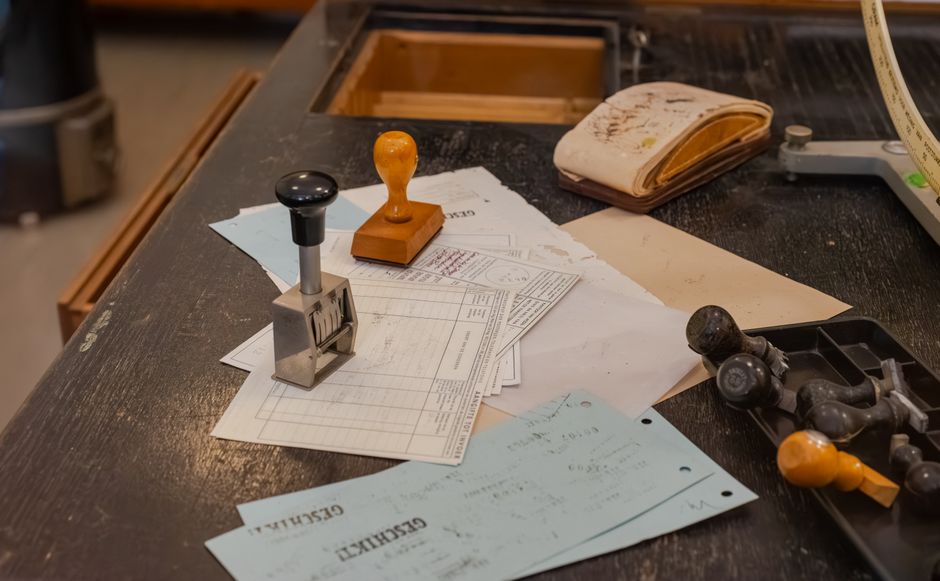
For German residents who handle sensitive data — medical records, legal documents, financial information — the privacy advantages of running AI locally are significant. Germany’s data protection culture (shaped by GDPR and the BDSG) makes local AI a particularly relevant option.
Why Local AI Matters in Germany
When you use cloud AI APIs (OpenAI, Anthropic, Google), your prompts and content leave your device and are processed on foreign servers. For most content this is fine. For sensitive content — a German Steuerbescheid (tax assessment), a medical report (Arztbericht), an employment contract — local processing keeps data on your hardware.
German employers and clients may also have contractual or regulatory restrictions on uploading certain documents to external AI services. Running locally eliminates this concern entirely.
Hardware Requirements for Local LLMs
The practical minimum for useful local AI (2026): 16GB RAM for 7B parameter models, 32GB RAM for comfortable 13B model operation, modern GPU (Apple M-series, NVIDIA RTX 3070+, AMD RX 6800+) for practical speed. Without a GPU, CPU inference is slow but works for non-time-sensitive tasks.
German power costs: running a modern GPU under AI inference load costs €0.05-0.15/hour at German electricity prices (~€0.30-0.35/kWh in 2026). For heavy daily use, calculate the monthly power cost vs. API subscription costs.
Tools for Local AI
Ollama: the simplest local AI setup. Install, run `ollama pull llama3.2` or `ollama pull mistral`, and you have a local API-compatible endpoint. Works on Mac, Linux, Windows. Models available: Llama 3.2 (Meta), Mistral (French company, strong on European languages), Phi-3 (Microsoft), Gemma (Google). German language capability: Mistral and Llama 3 series perform best on German-language tasks.
LM Studio: GUI interface for running local models. Particularly useful if you’re not comfortable with command-line tools. Offers a chat interface and local API server.
German-Specific Local Model Performance
For German-language tasks with local models: Mistral 7B and its variants (Mixtral 8x7B) outperform most alternatives on German text quality. The larger Llama 3.1 70B (requires 40GB+ VRAM) approaches GPT-4 class German performance. For most everyday tasks — translating German letters, drafting German emails, summarizing German documents — a well-configured 13B model on good hardware is adequate.
Practical Setup for German Document Processing
Install Ollama, pull Mistral 7B, point your preferred interface (Open WebUI, Continue.dev for code editors) at the local endpoint. For document processing, combine with a PDF extraction tool (PyMuPDF or similar) to extract text before sending to the local model. The workflow: PDF to text extraction → local model for analysis → stay entirely on your hardware.