Reprinted from Zhihu, author HoBee
Foreword
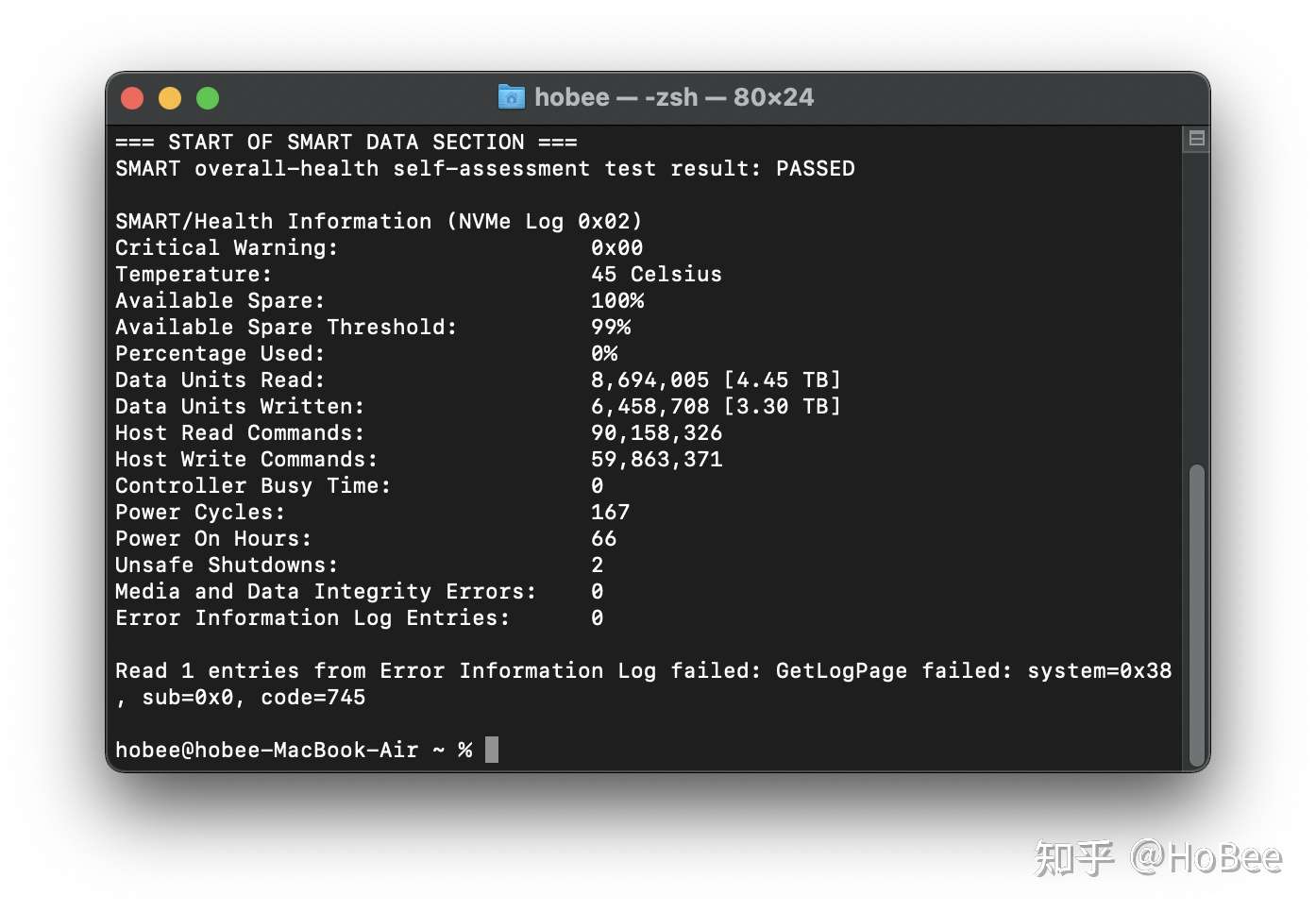
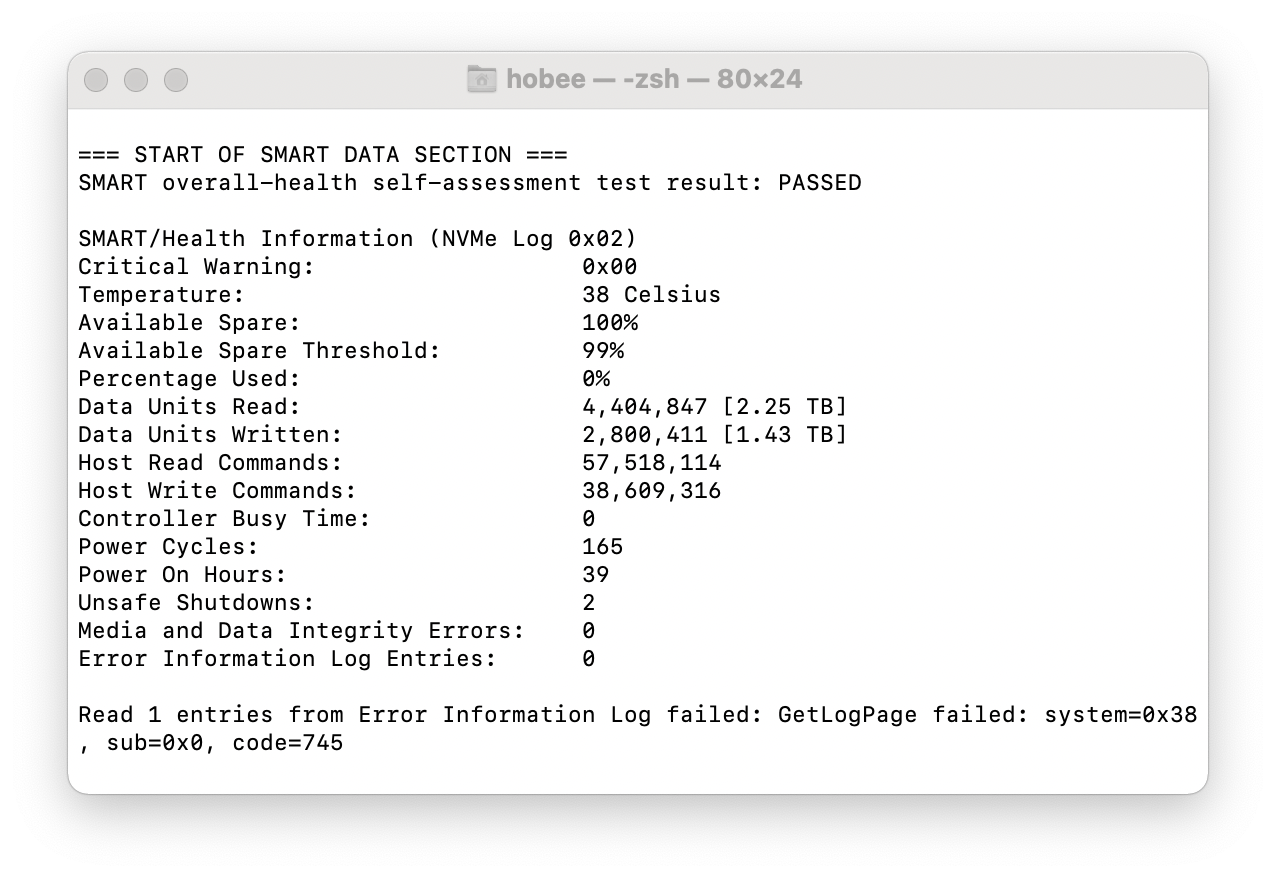
A few days ago, I saw reports about M1 MacBooks writing excessive amounts of data to the SSD. Worried, I checked my own machine—after two months, my 256GB MacBook Air had written about 1.4TB. Not normal, but far from the 10TB+ horror stories. Acceptable, I guess.
Tutorial
Many people asked how I checked the SSD write amount. It’s done with a tool called smartctl. Installing it on M1 Macs can be tricky, so here’s a streamlined guide to save you the hassle.
Install HomeBrew
I used HomeBrew, the macOS package manager, to install smartctl. First, you need HomeBrew. If you already have it, skip this step.
The official method is simple—paste this in Terminal:
/usr/bin/ruby -e "$(curl -fsSL https://raw.githubusercontent.com/Homebrew/install/master/install)"
But due to well-known network issues, it failed with:
raw.githubusercontent.com port 443: Connection refused
After trying many methods, here’s the one that worked: switch to a mirror. Run this in Terminal:
# Set homebrew-core mirror
HOMEBREW_CORE_GIT_REMOTE=https://mirrors.ustc.edu.cn/homebrew-core.git

/bin/bash -c "$(curl -fsSL https://cdn.jsdelivr.net/gh/ineo6/homebrew-install/install.sh)"
After installation, set the environment variable. If you use zsh (default), run:
echo export PATH=/opt/homebrew/bin:$PATH >> .zshrc
source ~/.zshrc
If you use bash, replace .zshrc with .bashrc. Restart Terminal and type brew. No errors means success.
For alternative HomeBrew installation methods, check this article:

Install smartctl
With HomeBrew ready, install smartctl by running:
brew install smartmontools
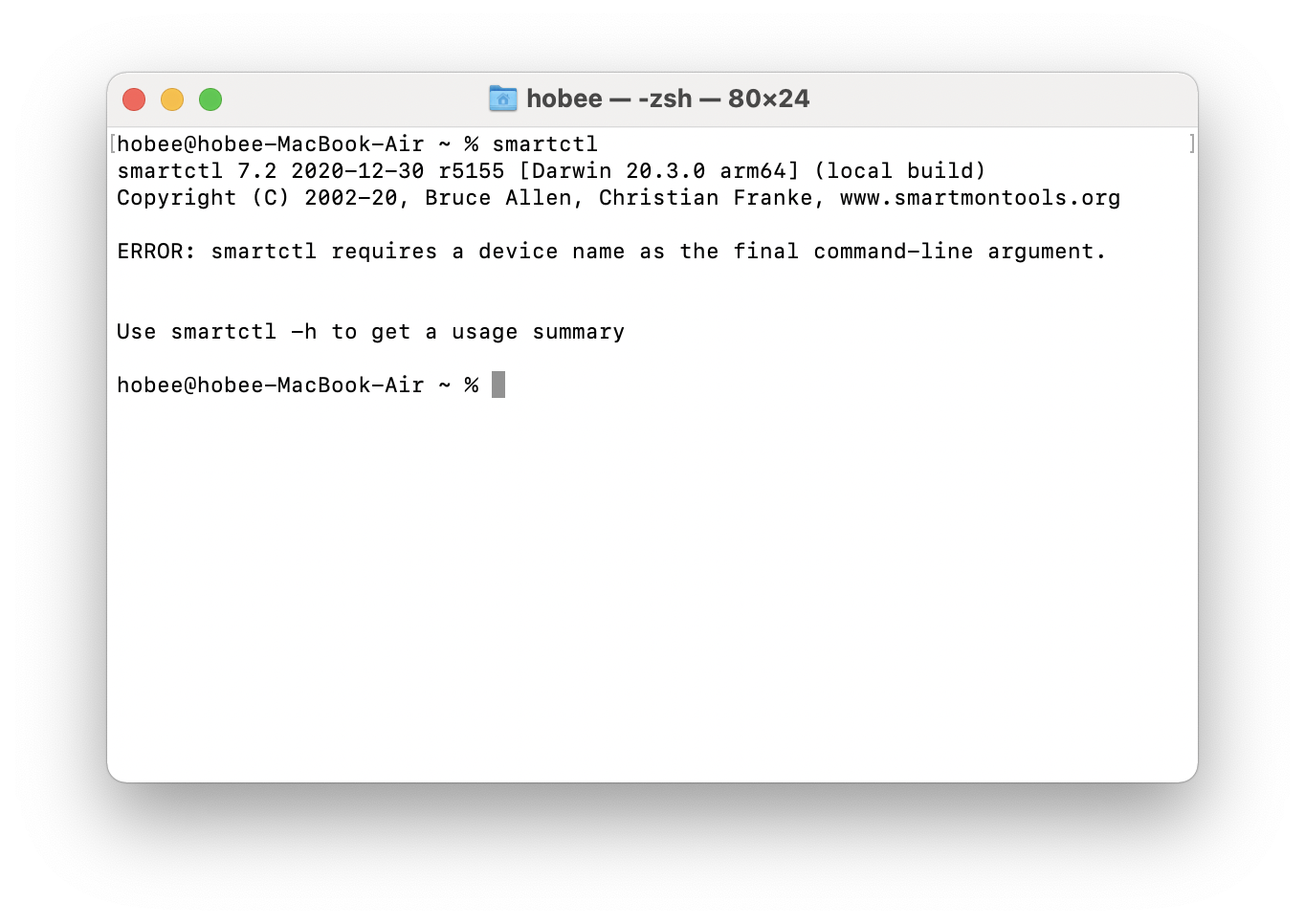
Type smartctl in Terminal—no errors means it’s installed.
Check SSD Write Usage
Run this command in Terminal:
smartctl -a disk0In the output, Percentage Used shows wear level, and Data Units Written shows total data written.
Closing Thoughts
Due to macOS’s aggressive swap strategy, my 16GB MacBook Air wrote about 1.4TB in two months. On a Windows laptop, that might take a year. But I never experienced performance issues from low memory—so it’s a trade-off. Since this Mac’s SSD isn’t replaceable, I recommend getting 16GB RAM if you want longevity.
How to Uninstall
If you want to remove smartctl, since it was installed via HomeBrew, just run:
brew uninstall smartmontools- Updated March 22